







Member Activity in the Pro App
Staff using the Glofox Pro app can now open any member’s profile and see their full activity timeline, covering visits, bookings, and attendance, all in one place.
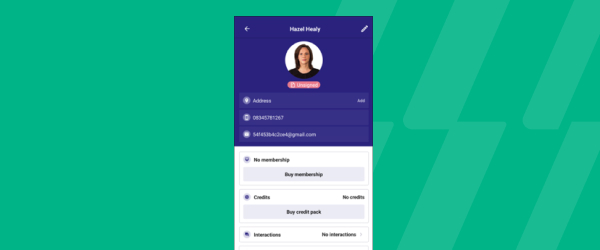
It sits within the Clients tab of Glofox Pro, alongside the rest of what staff can already do from a member’s profile, like adding payment methods, buying credit packs, or logging an interaction. You can filter that activity list by event date, newest or oldest first, or by when it was last created, so you can quickly spot patterns like a member who’s been coming in consistently or one who’s recently gone quiet. For on-floor and mobile-first staff without a reception desk to lean on, that timeline turns a quick glance at a profile into real context for a conversation, whether that’s recommending a class based on what they usually book or checking in on someone who hasn’t been in for a while.
It’s part of what makes Glofox Pro function as a full front desk replacement rather than just a schedule viewer. The result is a more personal member experience, driven by staff who can see the same history a manager would from the dashboard.