







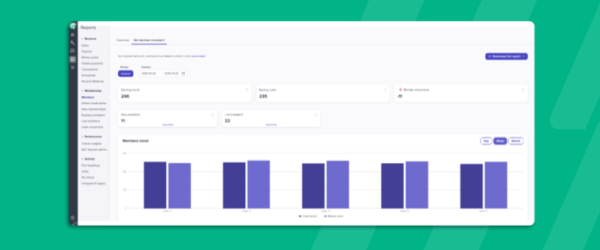

Net Member Movement Report
The Net Member Movement tab inside the Members Report gives gym and studio owners a clear read on where their membership base stands over any time frame they choose. Pick a start and end date and the report returns your starting member count, your ending count, how many members joined in that window, and how many churned, all rolled up into a net movement total. It also surfaces an attrition percentage for the period, so you can track retention health at a glance rather than doing the math yourself. A chart visualizes member movement over time and benchmarks it against the same period previously, making seasonal patterns and the impact of new promotions easy to spot. You’ll find it from the Reports icon under Members, alongside the rest of your active, paused, and overdue member data. For operators managing growth targets, it turns what used to be a manual spreadsheet exercise into a two-click report.