







New Audiences Filter – Plan Start and End Dates
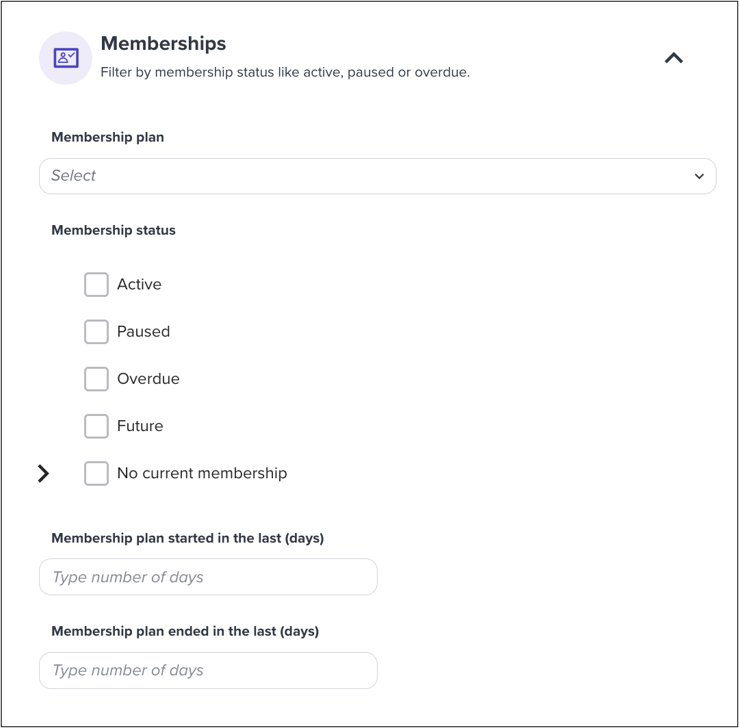
Custom Audiences can now be filtered by when a member’s plan started or ended, giving you a way to target campaigns around specific dates rather than just current status.
Build one from the Audience tab by clicking Create Audience and adding a plan start or end date filter alongside anything else you want to combine it with, like tags or visit count. That opens up campaigns that were harder to run before, such as a seasonal kickoff message to everyone who joined around the same time last year, a targeted win-back to members whose plans ended in a specific window, or a notice to members approaching the end of a rate protection period. As with other audiences, you’ll see a preview of how many customers currently match before you save it. From there, the audience is ready to use directly in a one-off email campaign.
For studios running date-sensitive promotions or renewal windows, it turns a calendar-based campaign idea into something you can actually build and send.